All your
screens.
In one place.
Turn screens into menus, showcases and a voice for your brand. Manage one venue or a hundred branches — right down to a specific TV.
From your first menu to a programme for the whole network.
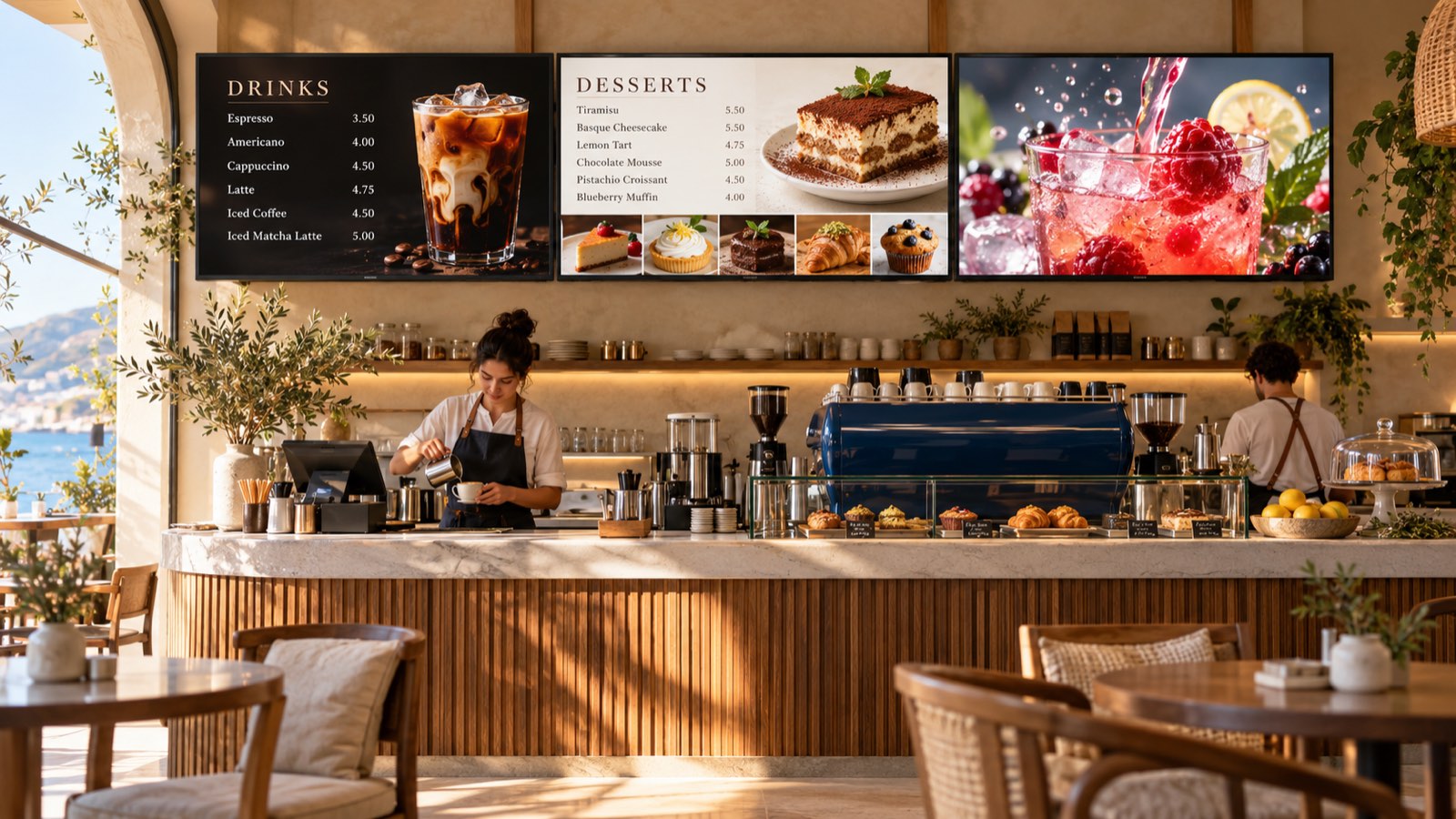
Same interior.
New impressions.
Menus, offers, schedules and vivid imagery change right on the screens. Choose your business and try your own photo.
01 / 06A menu worth a closer look.
Drinks, desserts and appetising advertising. One interior, different reasons to notice.
Choose a screen and a sample below. Or upload your own photo.
Illustrative scenes. This demo does not send content to real TVs.
Start with a template.
Make it your own.
Start with a template or a blank canvas. In the full promo editor, change text, prices and photos, add elements and create your own composition.
Update your menu whenever your business needs it.
Your own materials and the platform collection, close at hand.
Create portrait and landscape designs.
take on summer.
Raspberry · mint · ice
just the way you like it
One kick.
Three screens.
One complete impression.
Player on the left, the flight path in the middle, the ball on the right. One story continues across screens, with their sizes, positions and gaps taken into account.
Follow the motion — from the kick to the ball.
Matching or different TVs, in portrait and landscape.
A shop window, shopping centre, sports area or a striking feature wall.
One offer.
The right locations.
See what changes: one entrance screen, a whole branch or the entire network. Other screens keep their existing programme.
Berry good mood
Lemonade · $5
MENU
TODAY
MENU
TODAY
MENU
TODAY
An example network of three branches. The same selection principle works for one, ten or a hundred.
Morning — coffee.
Evening — a different mood.
Plan your shows ahead. Change offers on a schedule — for the right time and place.
starts here.
Coffee and your favourite breakfast
08:00–11:00
Internet down.
Your show goes on.
Your downloaded programme stays on screen without a connection. Once you are back online, you can manage your shows from the workspace again.
See the status of your connected screens in one place, so you can spot where attention is needed.
Behind the platform,
there are people.
Connecting your first screen, working on a menu or planning an unusual installation? Write to support right from your workspace.
We will help you find your way through the settings and choose the right approach for your needs.
From an idea to your first show.
Connect your screen
Add it to your workspace and choose its location. Start with one, then connect more as you grow.
Choose your content
Upload a photo or video, use a menu template or create a promo in the editor.
Start your show
Choose the screens and timing. A simple wizard helps with your first launch; all the platform tools are there when you need them.
Your first screen.
Your next step.
Explore AuraScreen free for 30 days.
Need an account? Write to us — we will help you get started.
Can we use the TVs we already have?
Often, yes. Compatibility depends on the device and how it is connected. Our support team can help check your setup before you begin.
Do we need a designer to make menus or adverts?
Start with a template and change the text, photos and prices. For your own look, use the full promo editor.
Can different branches show different content?
Yes. Select the whole network, individual branches or specific screens. Manage shared and local offers from one workspace.
What happens if the internet goes down?
The programme already downloaded will keep playing. New content and remote control become available once the connection returns.